PlanNEU
Timeline: July 2025 - April 2026
Overview
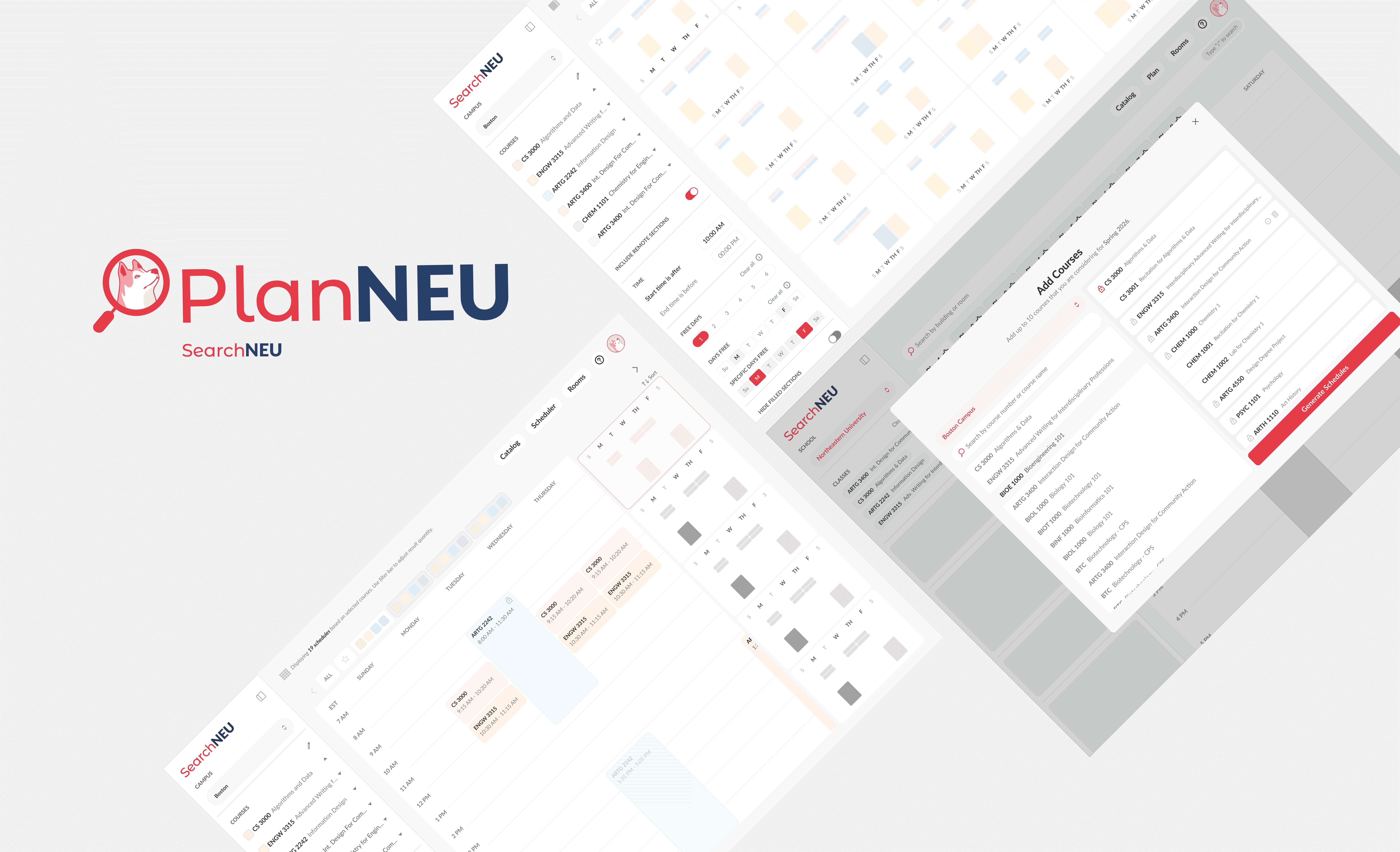
PlanNEU is a scheduling tool that helps Northeastern students effortlessly plan their semester. By automatically generating multiple conflict-free schedules from selected courses, it allows students to compare options and choose the plan that fits them best, making course registration faster and less stressful.
Role: UX Designer
Team: 2 Designers (July 2025 - December), 4 Designers (January - ongoing)

Figma
Adobe XD

We conducted a competitor and interface analysis to understand how students plan and register for courses. We reviewed Northeastern’s existing system, Banner, to identify usability challenges and gaps in the current experience. We also analyzed platforms like Coursicle and Berkeleytime, which allow students to track courses and visualize schedules more clearly. In addition, we examined interface systems such as Coolors and Notion to study how clean layouts and modular structures support complex information. These references helped inform features that would make course planning more organized, transparent, and easier for students to navigate.

When designing PlanNeu, we needed to ensure it aligned with the existing design system of SearchNeu, the main platform it exists within. Because PlanNeu functions as another page within the site, maintaining visual and structural consistency was essential for a seamless experience. We worked within the established components, layout patterns, and interaction styles already used in SearchNeu.


